
Google Calendar to email
Your calendar, already in the newsletter.
Events in Campaigns inserts Google Calendar events into Mailchimp, MailerLite, Brevo, and other campaigns. No retyping, no missed times.
Seven days free, then $3 a month, billed annually. Money-back guarantee.
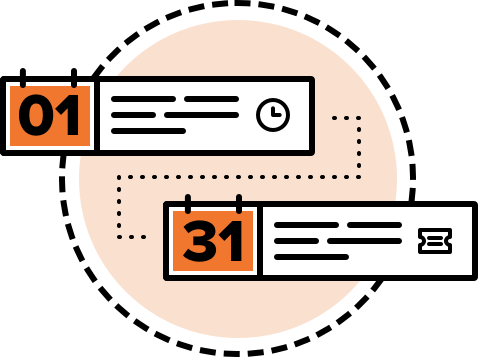
Built for the newsletter you already send.
Pick the dates, keep your layout, and let the events fill in.

- The dates you actually want
- Select events from one day to 12 months, or set a custom range.
- Templates that repeat
- Unlimited templates for one Google calendar, including fully automated recurring newsletters.
- Your layout, not a stock one
- Start from a ready-made design or write a visual or HTML template with only the details you need.
- Groupings when the month is full
- Split a long list into sections so the email stays readable.
- Dropped into the campaign
- Events land in Mailchimp, MailerLite, Brevo, and others. The copy-paste step is gone.
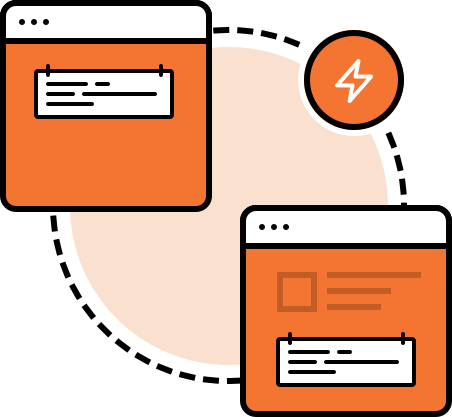
Against doing it by hand
The mistakes show up in someone else's inbox.
| Task | By hand | Events in Campaigns |
|---|---|---|
| Event details | Retype the title, time, and link | Inserted from Google Calendar |
| Which events | Easy to grab the wrong week | 1 day to 12 months, or a custom range |
| Next send | Rebuild the draft | Multiple templates, on a schedule |
| Layout | Start from a blank email | Ready-made, or your own HTML |
| A full month | One long list | Groupings for readability |
From the calendar to the send.
Three decisions. Then it can run every week.
-
01
Choose the dates
One day to 12 months, or a custom range, from the Google calendar you already keep.
-
02
Set the template
A ready-made design, or a visual or HTML template with only the fields you want to show.
-
03
Send it on a schedule
Recurring newsletters go out through Mailchimp, MailerLite, Brevo, and others.
The next list can fill itself in.
Seven days free. Then $36 for the year. Money-back guarantee.